
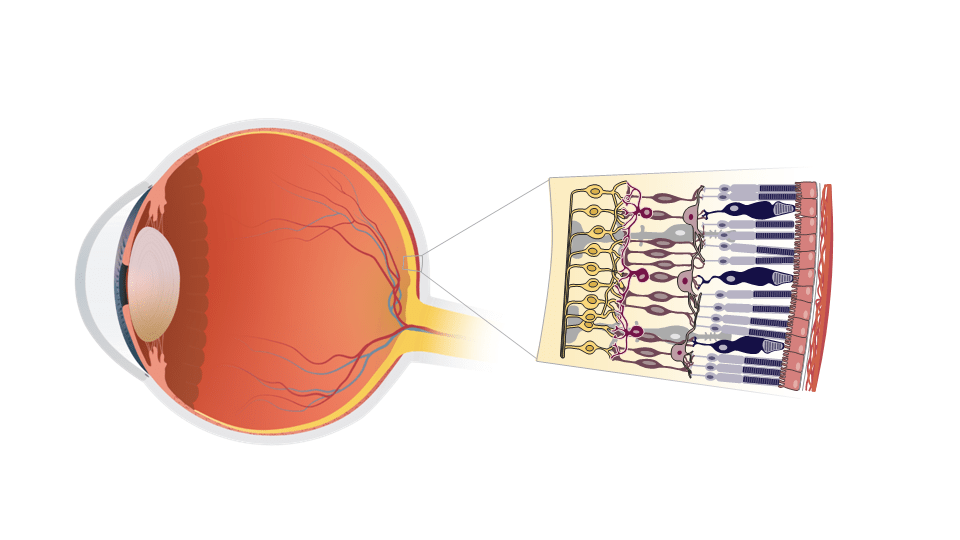

The purpose of this project was to create an editable illustration of an eyeball with a retinal cell section in PowerPoint. The initial illustrations were done in Adobe Illustrator and then the illustration layers were important into PowerPoint to maximize the client’s ability to edit the image. The adaptability of the final product allows the client to represent multiple retinal pathologies as well as adapt the images to fit into different spaces.
Process Work
A preliminary sketch was done to refamiliarize myself with the anatomy of the eye and the structures the client had requested. Additionally, I researched function of each of the cell types to be shown in the retinal section along with the different layers. I referenced other illustrations, photographs, and histological images to develop the shapes for the individual cell types. Once the sketch was finalized, I traced it in Adobe Illustrator.
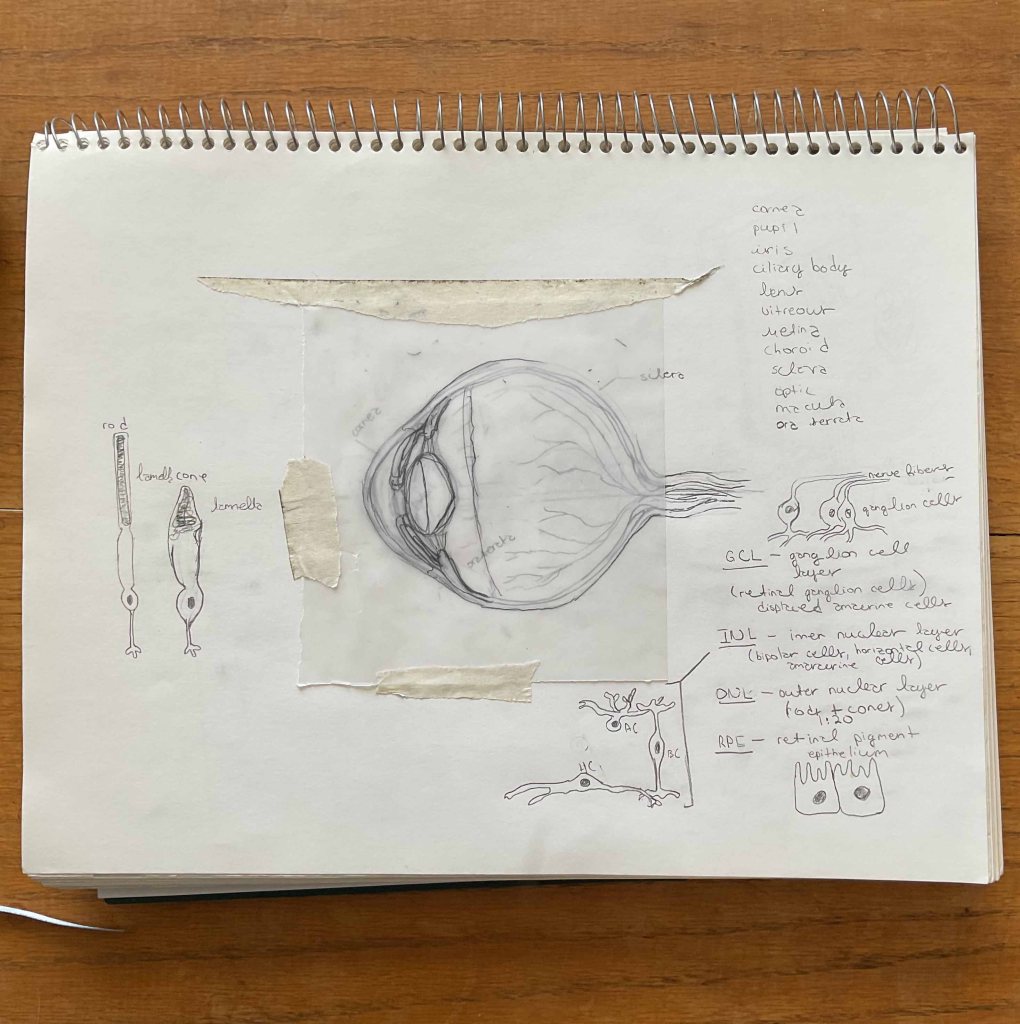
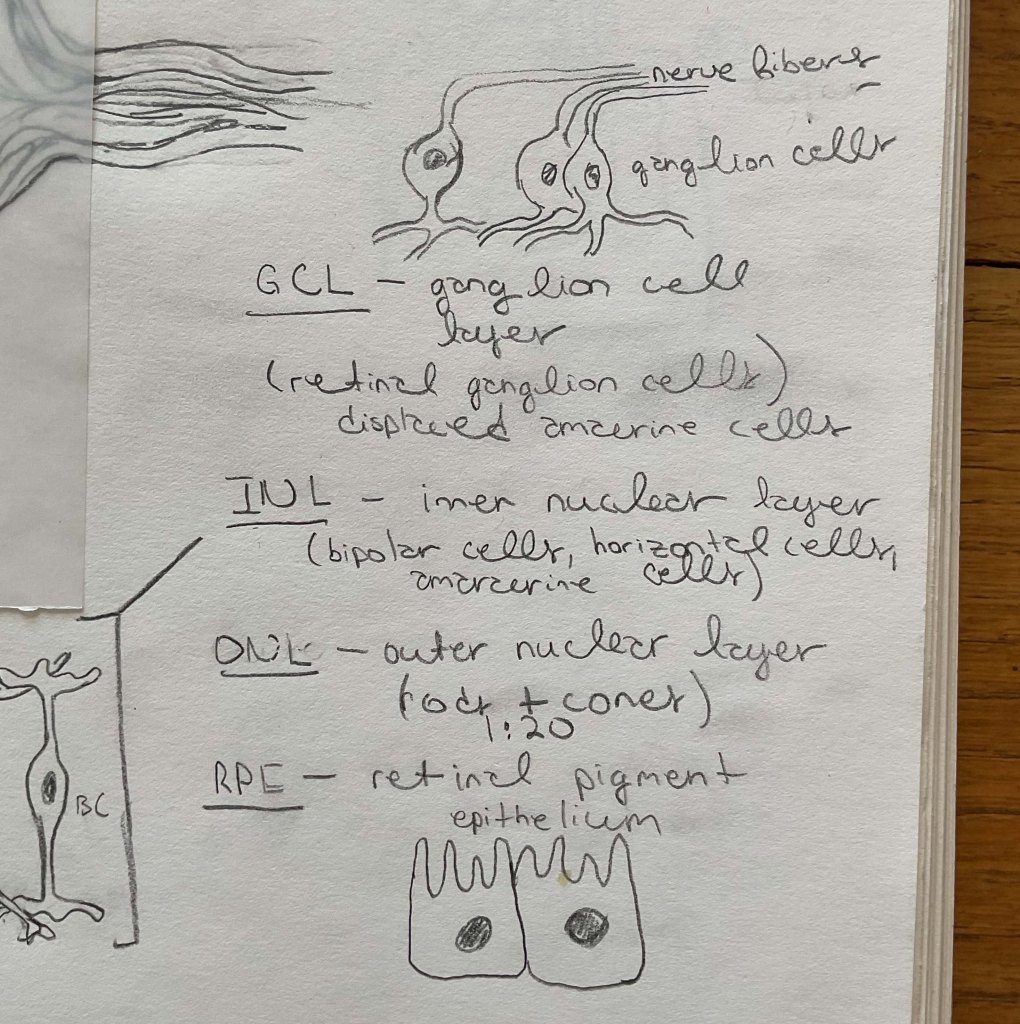
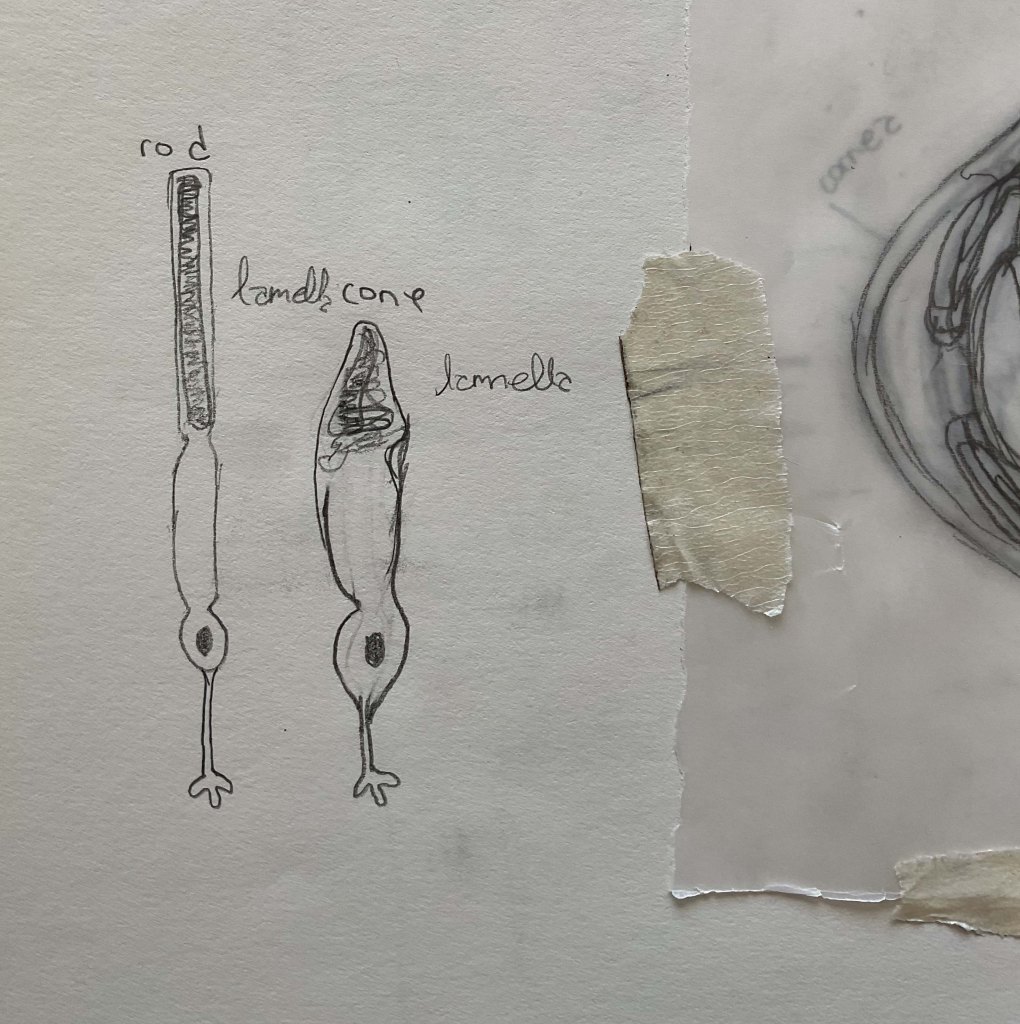
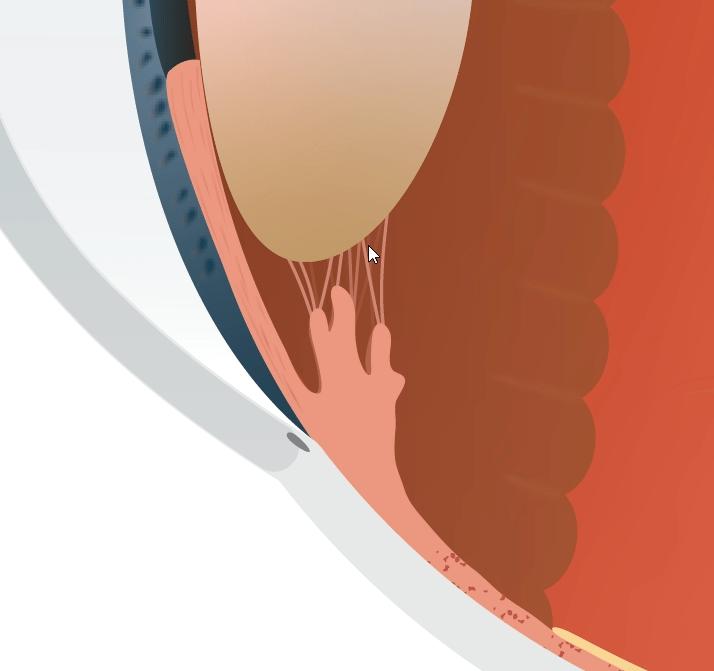
After tracing the sketch, I continued to finesse the shape of the cells to make them look more organic than just generic copies of the same vector image. Additionally, I continued to work on the accuracy of the eyeball anatomy comparing the proportions and locations of different structures. Initially I tried to colorize the iris in brown (see First Draft), however it became apparent that the iris as a cross section was more recognizable in a blue hue. The final iris was adjusted to reflect this.
Additionally, I worked to make sure the cell section was colorblind accessible. Where the tones themselves could not be distinguished to my liking, I added in darker outlines to better distinguish different cells (Color Blindness Accessibility Test).


After some minor feedback on the first draft from the client, I adjusted the lens to be more rounded and added texture to the choroid and on the iris. Additionally, on the retinal section I changed the size and number of the cells to be more accurate based on the client’s feedback.


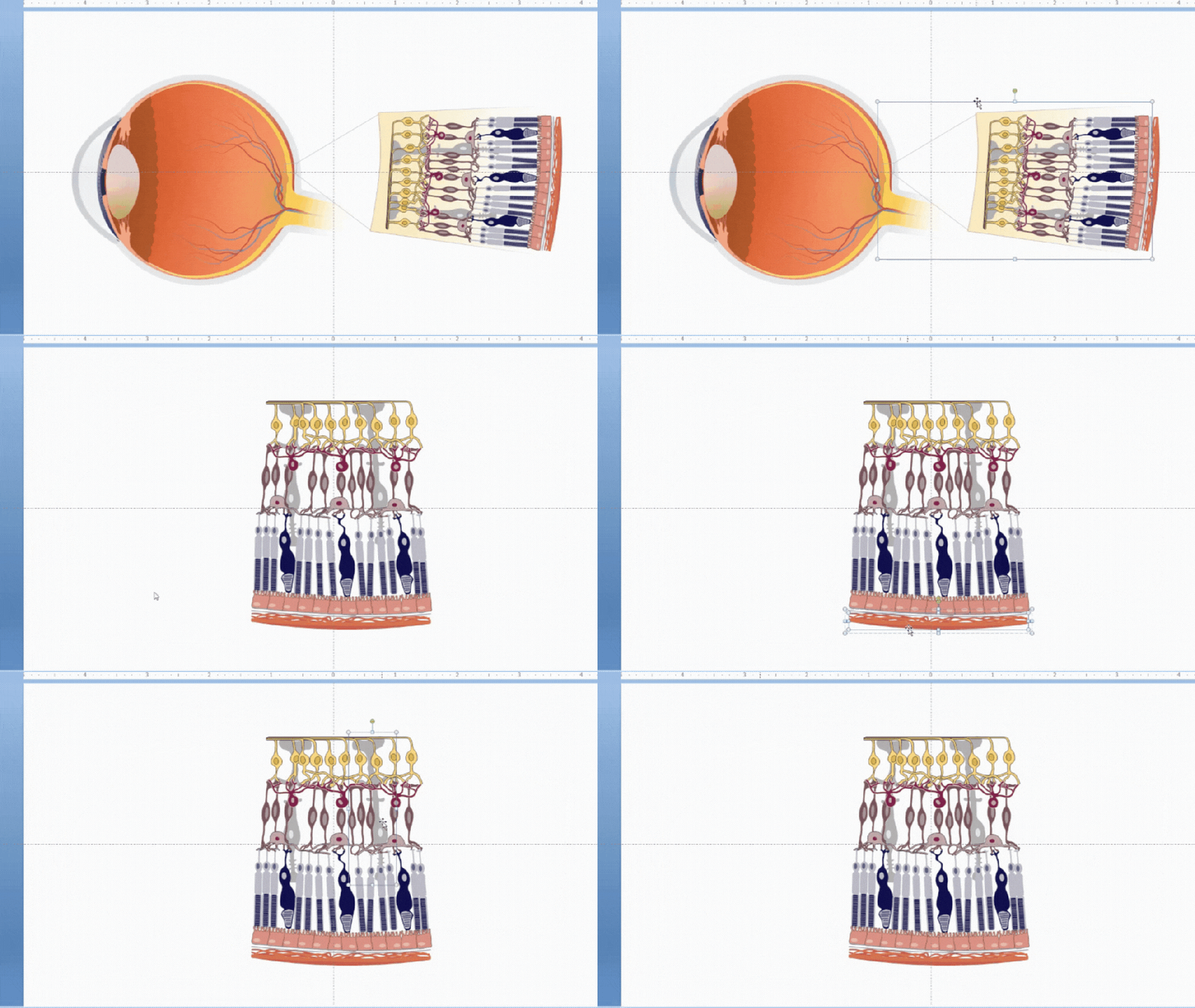
After the client signed off on the illustrations, I copy and pasted the cell section from Adobe Illustrator into PowerPoint where I converted the image into shapes. From there, I grouped the cells into their respective layers and sent the file to the client to check the utility of the groupings. Once she confirmed the file was editable to her liking, I brought the eyeball illustration in as a graphic and set up the inset in PowerPoint. To finalize the project I sent the PowerPoint version and original files to client for their use.
 Emily Adams | MedComms for BioTech, and Healthcare
You must be logged in to post a comment.